Passwords and codes
Two-factor codes and passkeys live beside the sign-in they belong to.
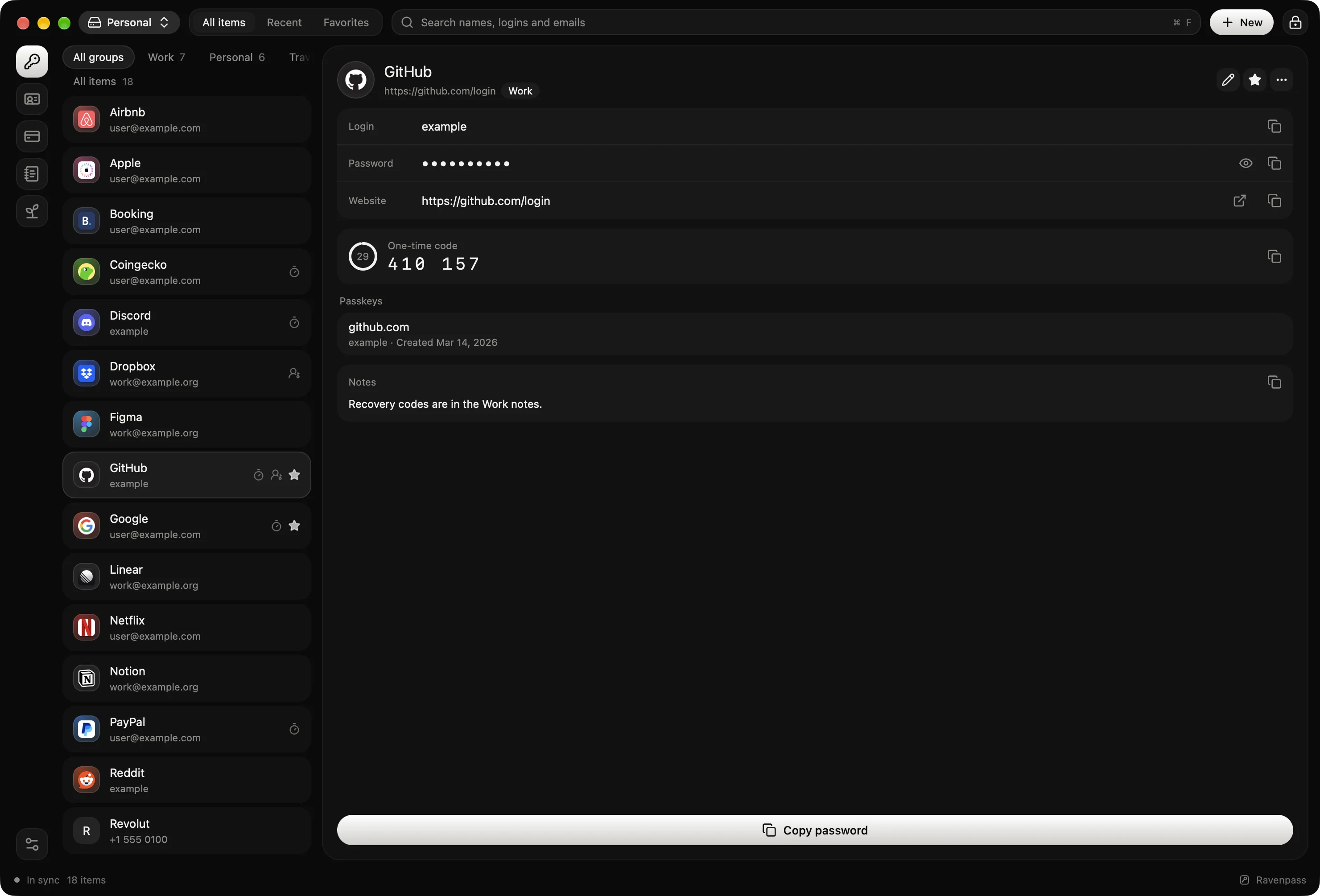
A home for your digital life. On your computer and your phone.
For macOS and Android
Source code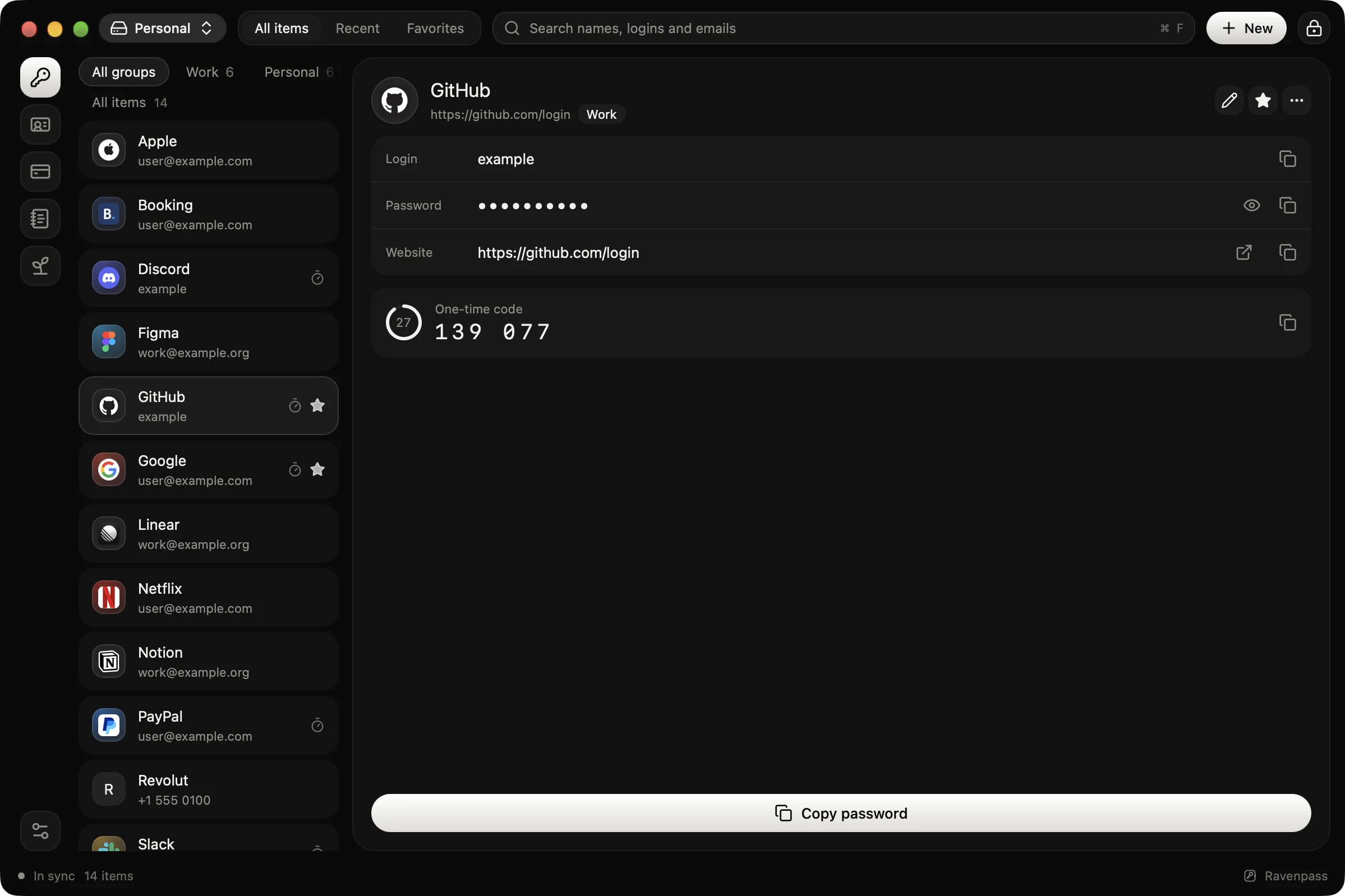
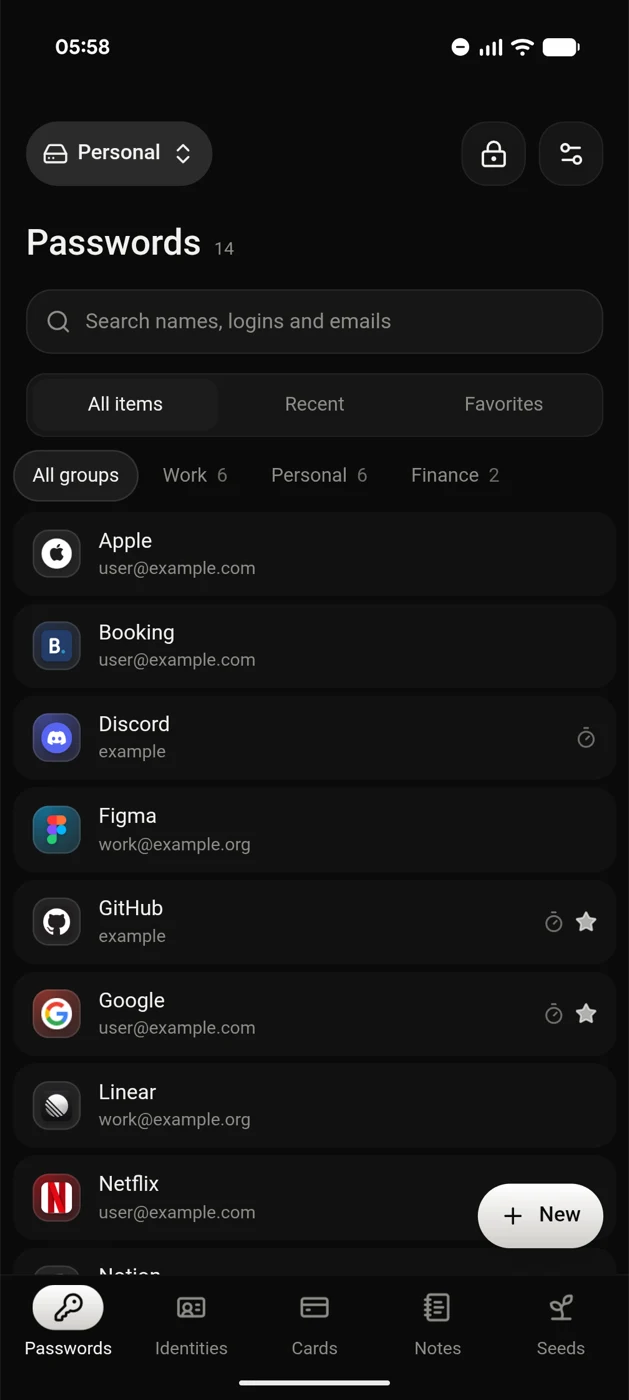
A closer look
Two-factor codes and passkeys live beside the sign-in they belong to.
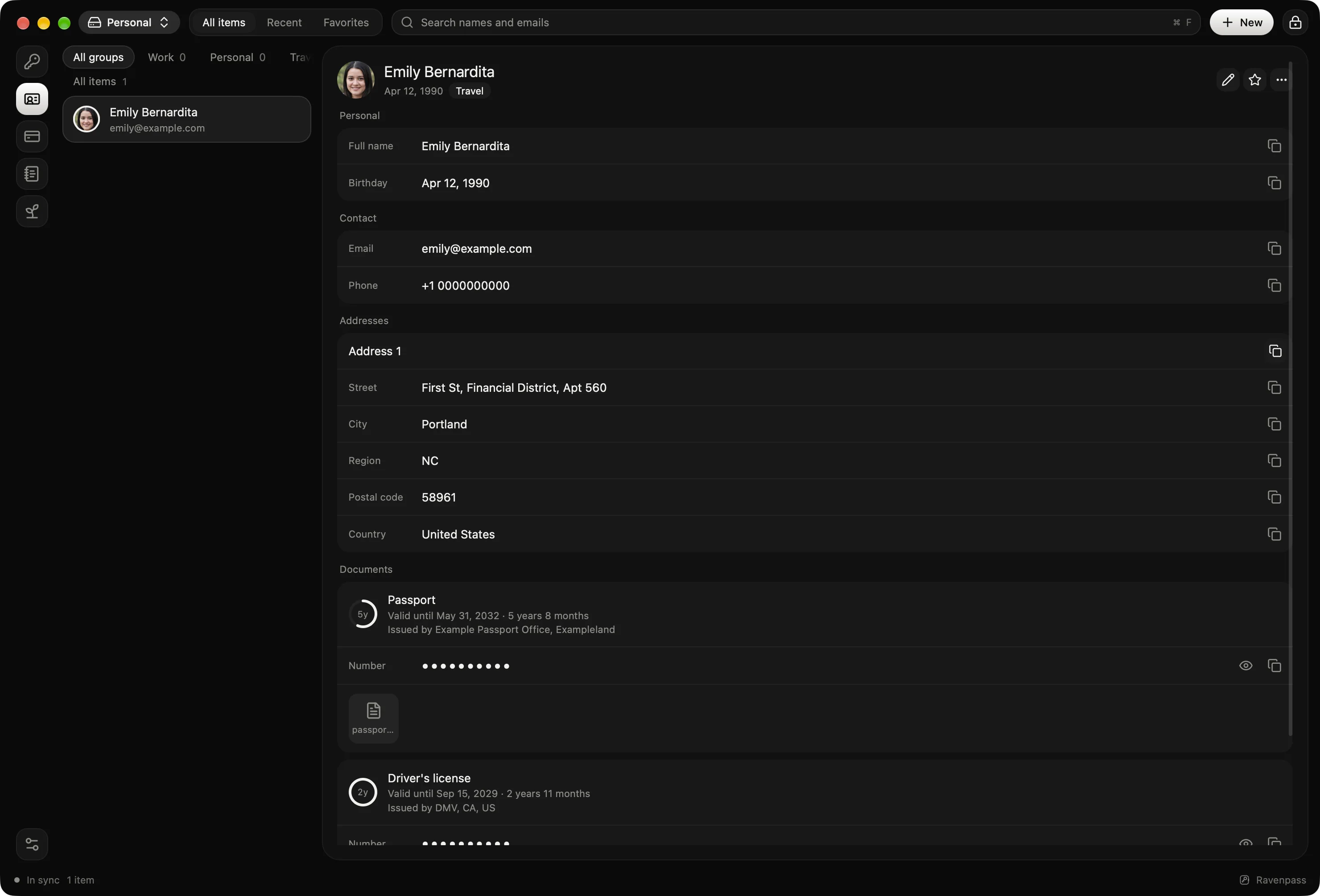
Names, addresses and documents, with their scans.
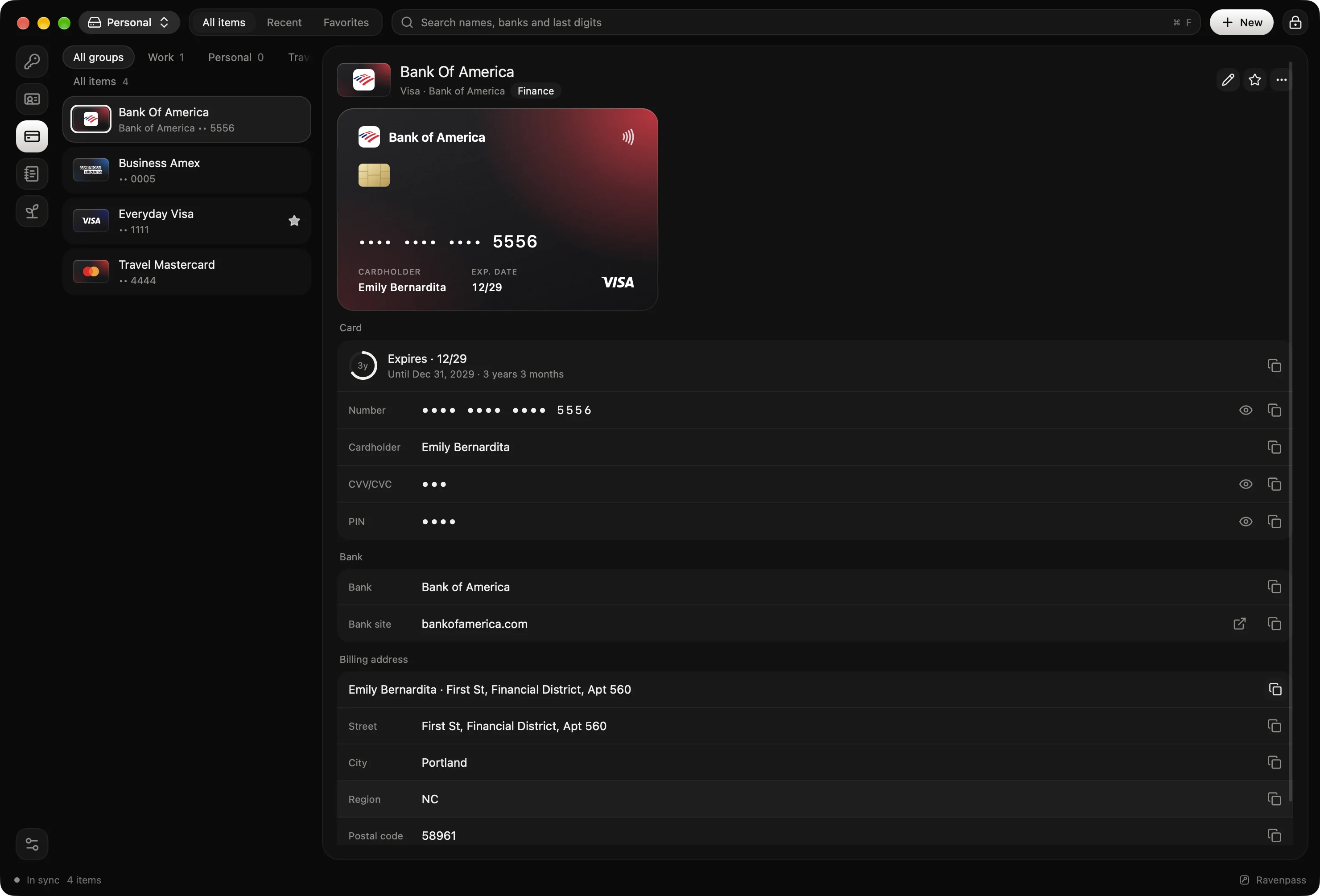
Card numbers, bank details and billing addresses, shown with your bank's logo.
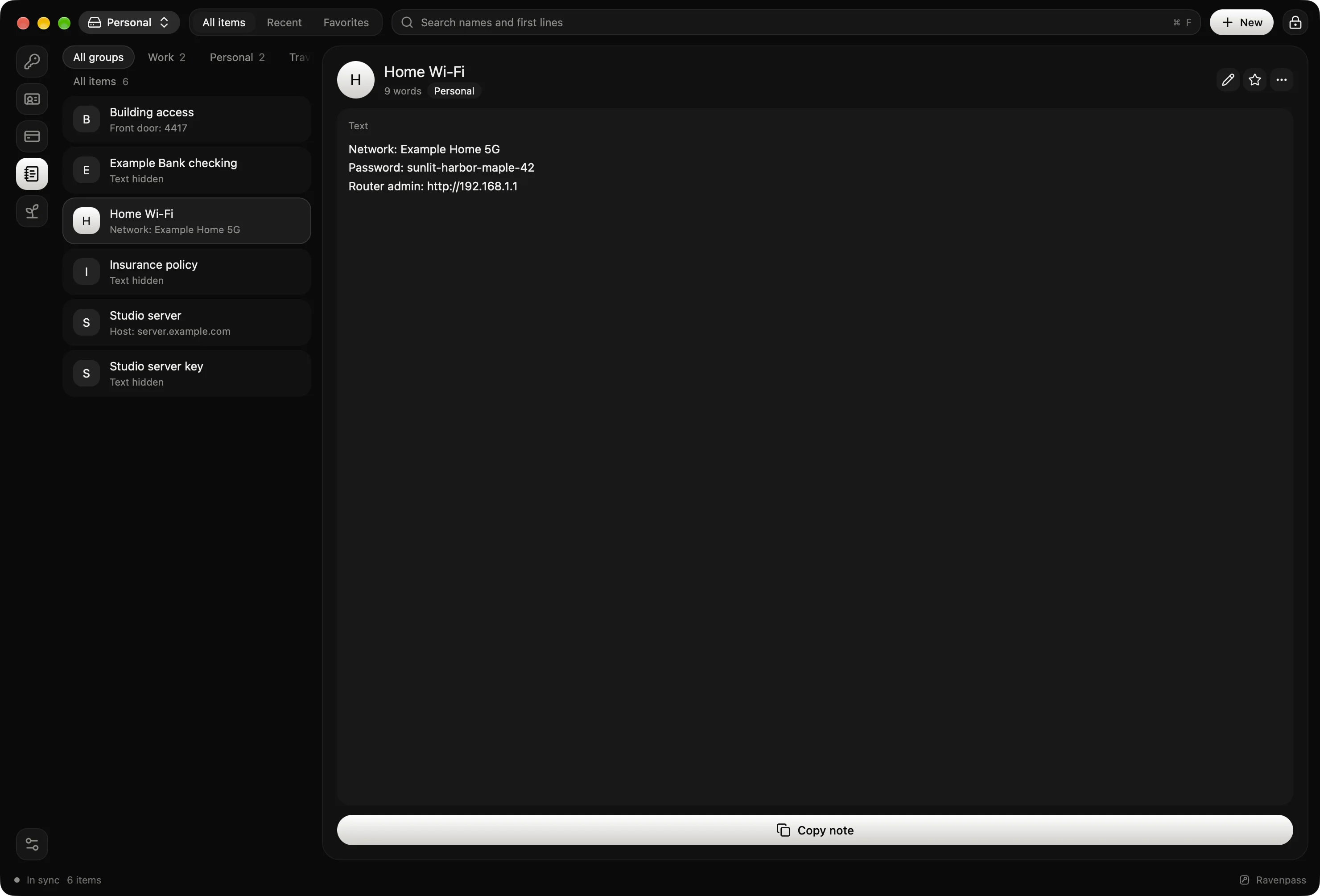
Wi-Fi passwords, door codes and anything else private.
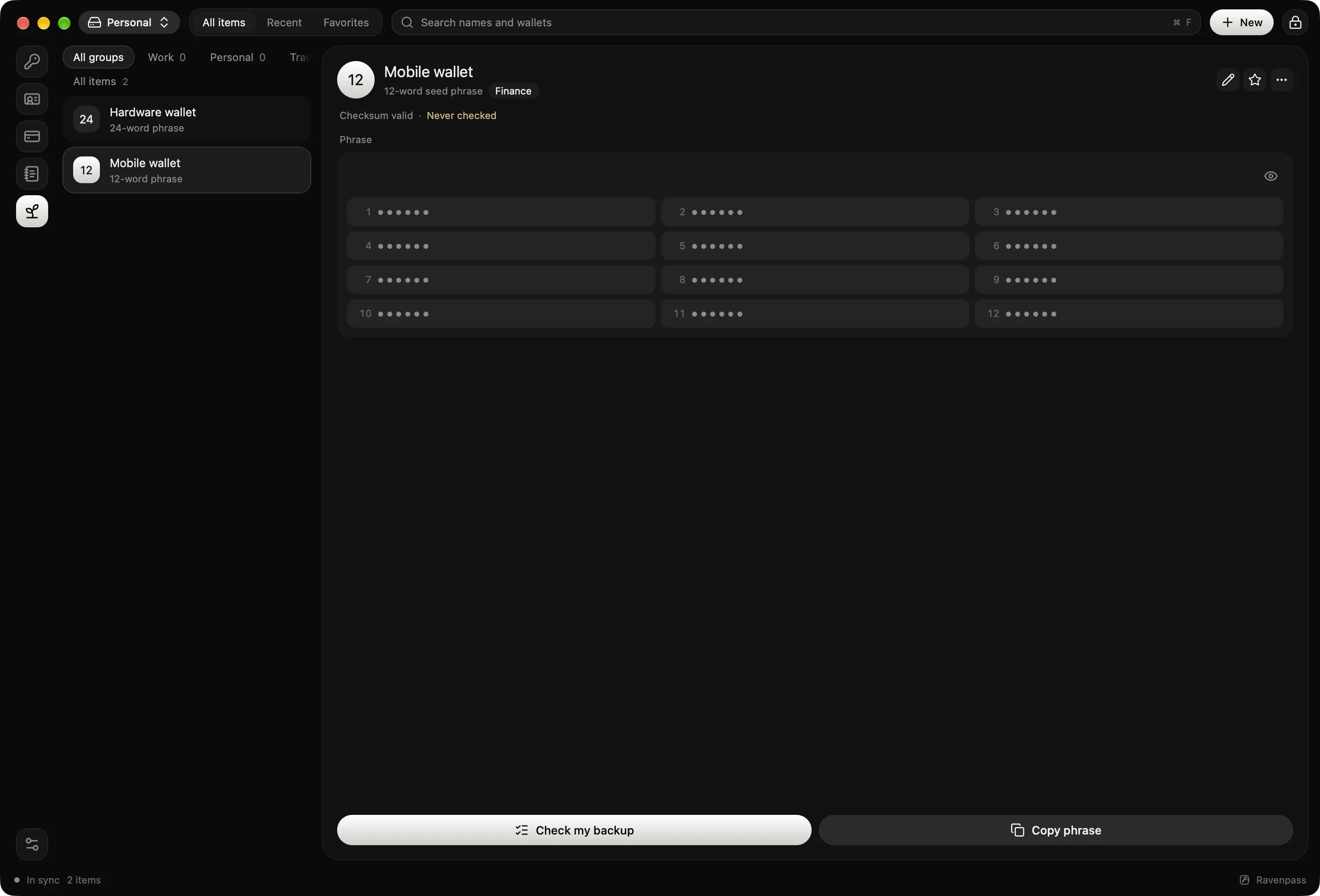
Wallet seeds with a checksum check, and a way to test your written backup.
A place for everything
Your vault
Keep the encrypted file locally or in a cloud folder you choose.
No account. No telemetry. Open source.
Made for the everyday
Fill logins in your apps and browsers, without switching back and forth.
Unlock with your fingerprint, screen lock or PIN.
Trailer
Apple silicon · macOS 13+
Download for macOSDisk image · DMG
ARM64 · Android 12+
Download for AndroidDirect install · APK
Chrome 133+ · Desktop app required
Add to ChromeChrome Web Store
This is beta software. Keep a backup of anything you store in it.
Windows, Linux and iOS are coming later.
Yes. Ravenpass can import passwords from other password managers. Open your vault and use Import to choose the export file from your current manager.
Save the vault in a cloud drive folder available on both devices, then open that vault in Ravenpass on each one. Your cloud drive handles moving the encrypted file between them.
Turn on automatic encrypted backups and save your 24-word recovery key separately. The key unlocks a vault file you still have; it cannot restore a missing file. Nobody can reset your vault for you.